Daily Trading Platform
A free TradeZella alternative for forex traders.
One repeatable routine from the morning plan to the evening review.
If you are comparing TradeZella alternatives because you want one routine that carries you through the whole trading day, Daily Trading Platform is built around five steps: Prepare, Plan, Trade, Review and Improve. Each step has its own tool, and every tool works from the same trading date.
One routine from morning plan to evening review
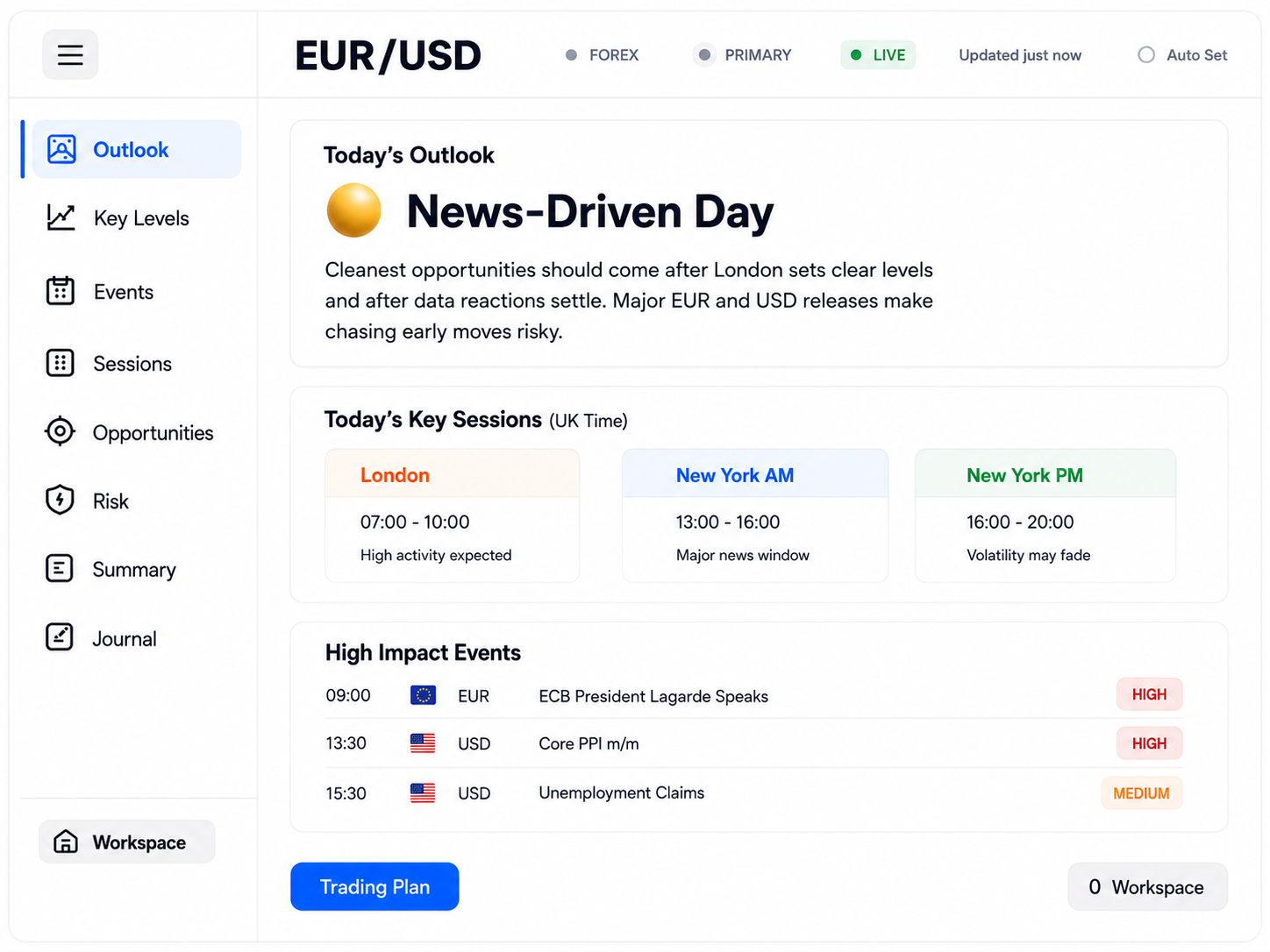
The day starts with the Trading Plan and the Economic Calendar: what matters for your market, which events to Ignore, Watch or Avoid, and when the main trading windows open.
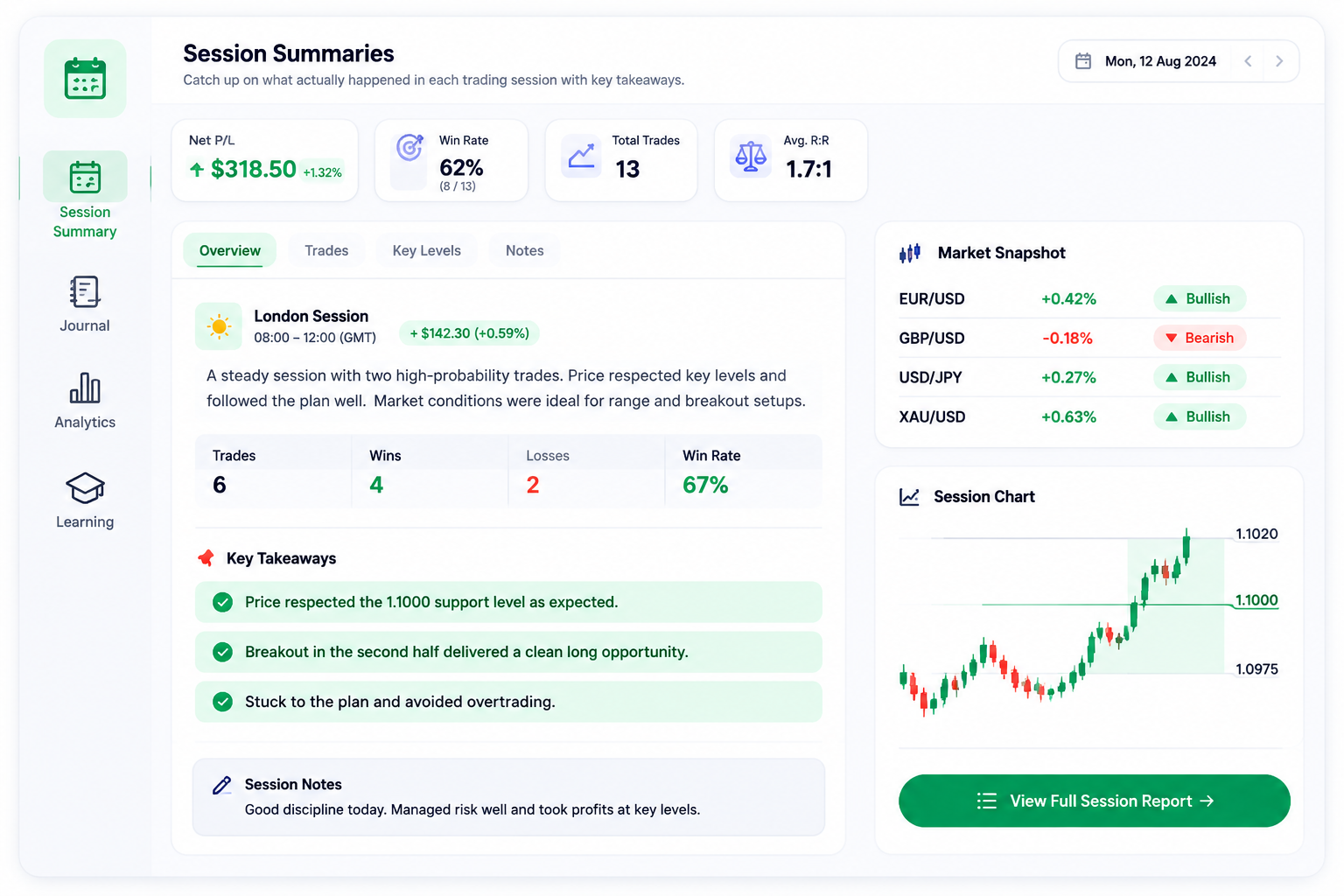
During the session, Trading Mode removes the site navigation so you see only what you need. After each Asian, London and New York session, a Session Summary explains how the market actually moved.
In the evening, the Journal brings preparation notes, trades, Learning & Development and your review into one record for the date, while Trading Progress keeps a running timeline of the lessons you want to carry forward.
How the routine fits a trading day
- 01Morning
Read the plan and calendar for your market before the session begins.
- 02Before you trade
Choose the windows you will trade and the events you will stay out of.
- 03After each session
Read the Session Summary to see what actually happened.
- 04End of the day
Write your Journal review and keep one lesson in Trading Progress.
A good fit if…
- You want a set routine you can repeat every trading day.
- You like the plan, the events and your journal organised by the same date.
- You want to build experience through review, not only by tracking results.
- You are newer to trading and want explanations in plain English.
Before you switch
- There is no live broker connection: trades are entered by hand or imported from broker reports and screenshots, then checked before saving.
- Each trade has one optional setup name rather than multiple tags.
- A journal day links to the same date's Trading Plan, but trades are not plotted on an event timeline.
- Daily Trading Platform is educational decision support, not a signal service or financial advice.
Worked example
One ordinary trading day, start to finish
In the morning you read the Trading Plan and Economic Calendar for EUR/USD, then write two lines of preparation in the Journal: the plan's bias and the windows you intend to trade. You notice a European sentiment release is marked Watch, so you decide not to enter until it has passed. You take one trade in the London window and record it with its setup name, entry, stop, target and a chart screenshot. After the London session you read its Session Summary to compare how the market actually moved with what the plan described. In the evening you complete the Journal review and add one lesson to Trading Progress, such as "wait for Watch events before entering". The next morning begins by re-reading that note.
An illustration of the workflow, not a real trade, result or recommendation.
The daily routine behind the platform
- Step 1
Prepare
Understand today's market and events before the session.
- Step 2
Plan
Decide where and when you will trade, and what you will avoid.
- Step 3
Trade
Execute with your rules and risk limits in view.
- Step 4
Review
Record what happened and compare it with your plan.
- Step 5
Improve
Keep the lessons that shape your next session.
Features for this approach
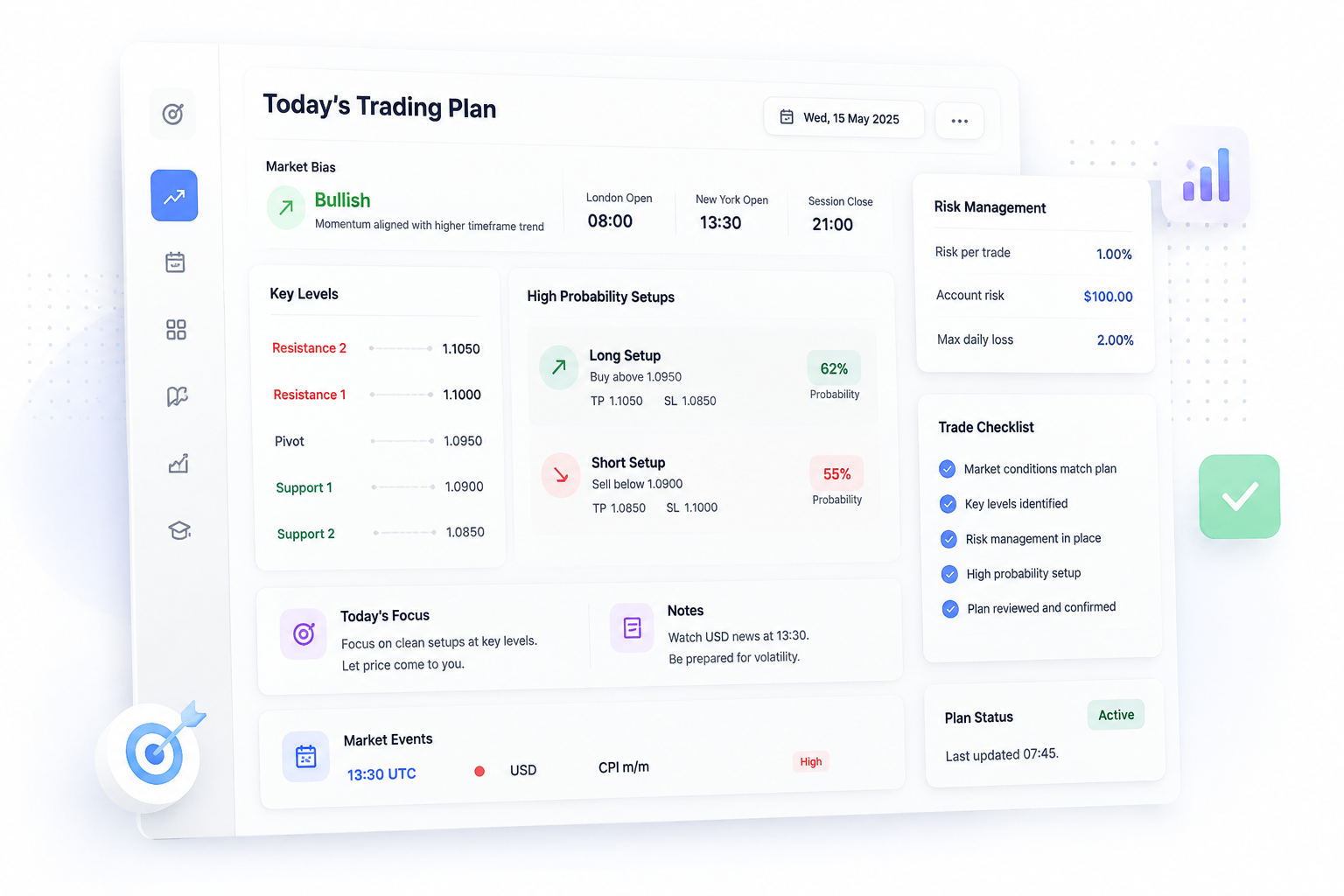
Today's Trading Plan
Your personalised plan for today's session with key levels, bias and high probability setups.
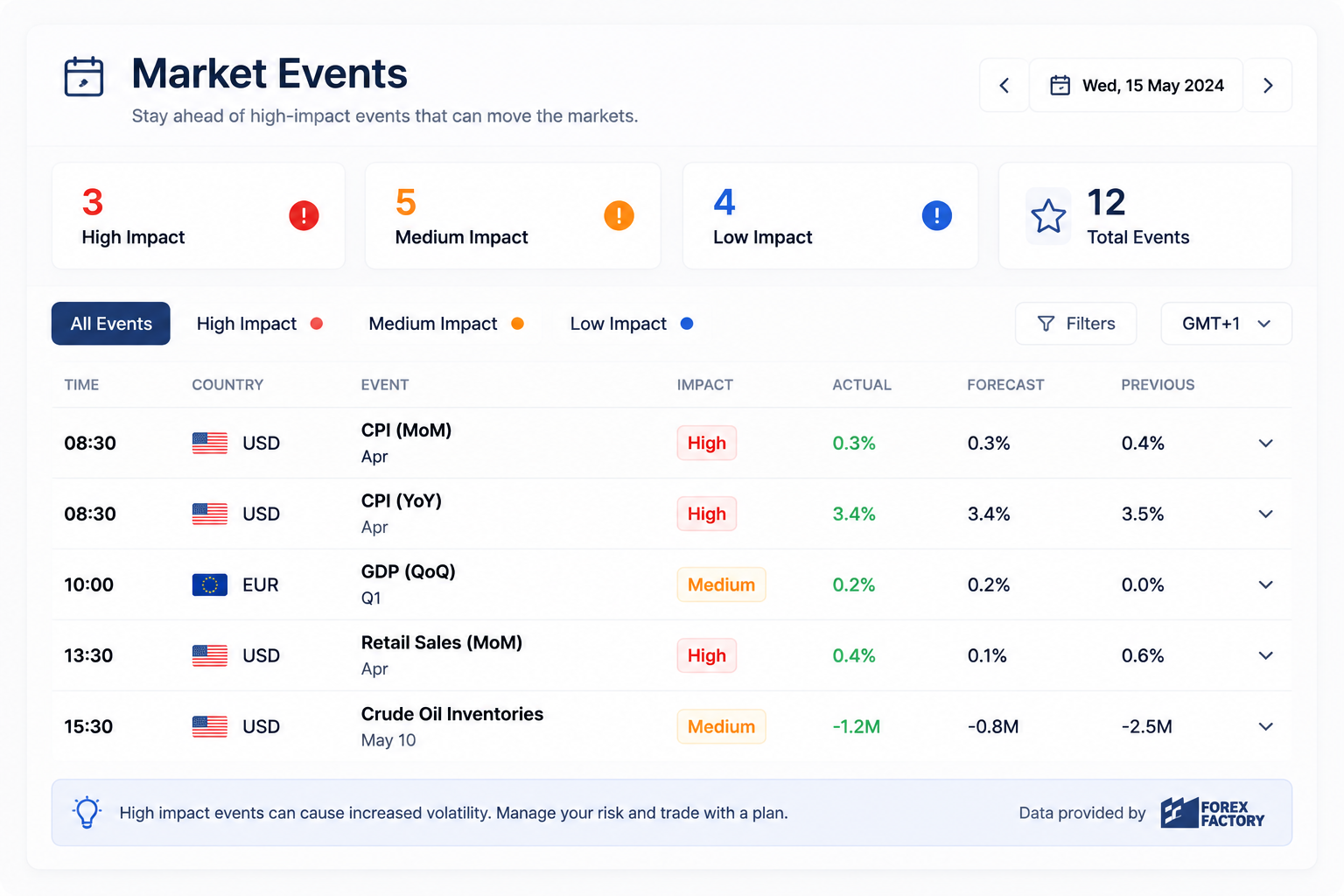
Market Events
See high-impact news and events that could move the markets.
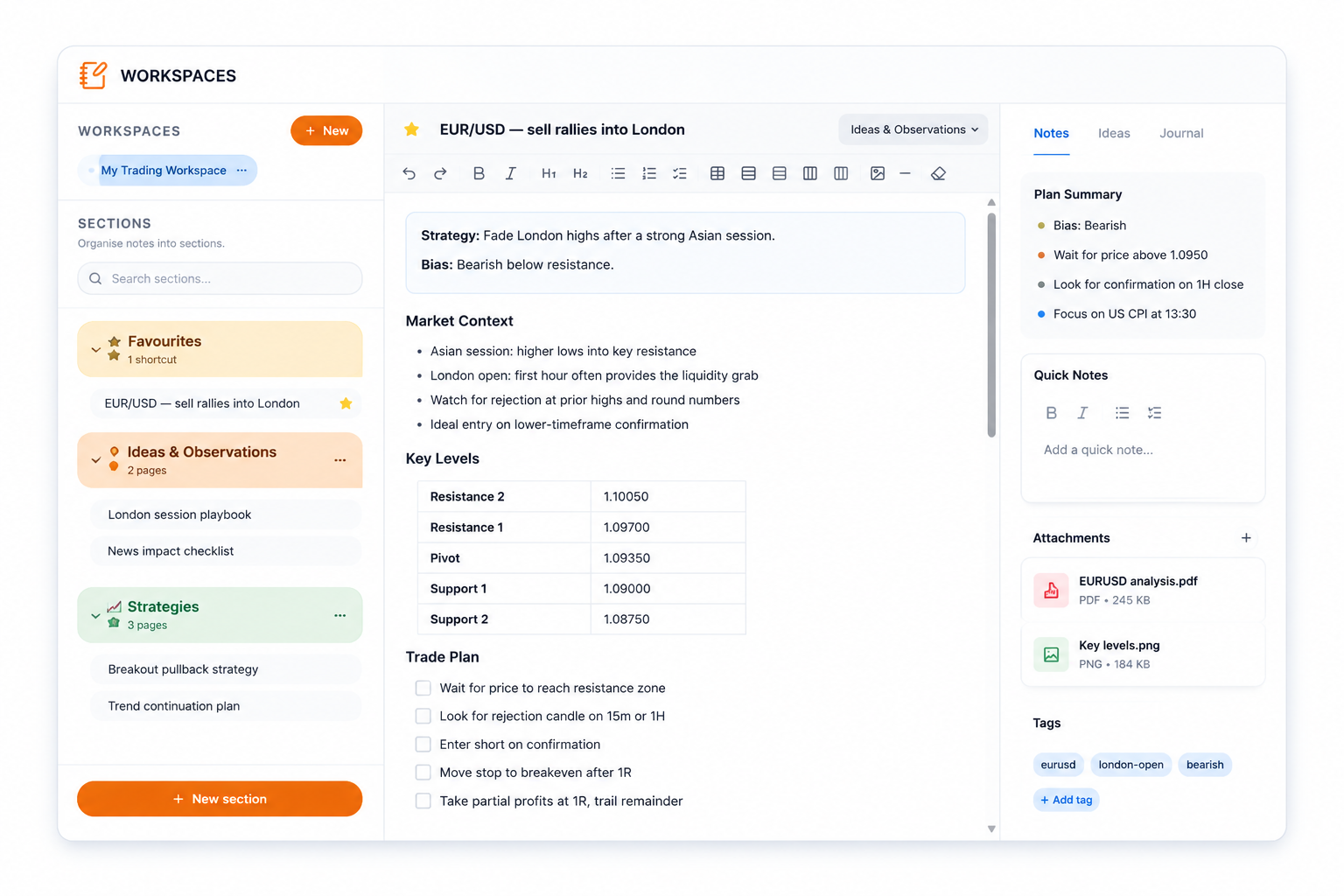
Trading Workspace
Plan and organise your trade ideas with charts, notes and key levels in one place.
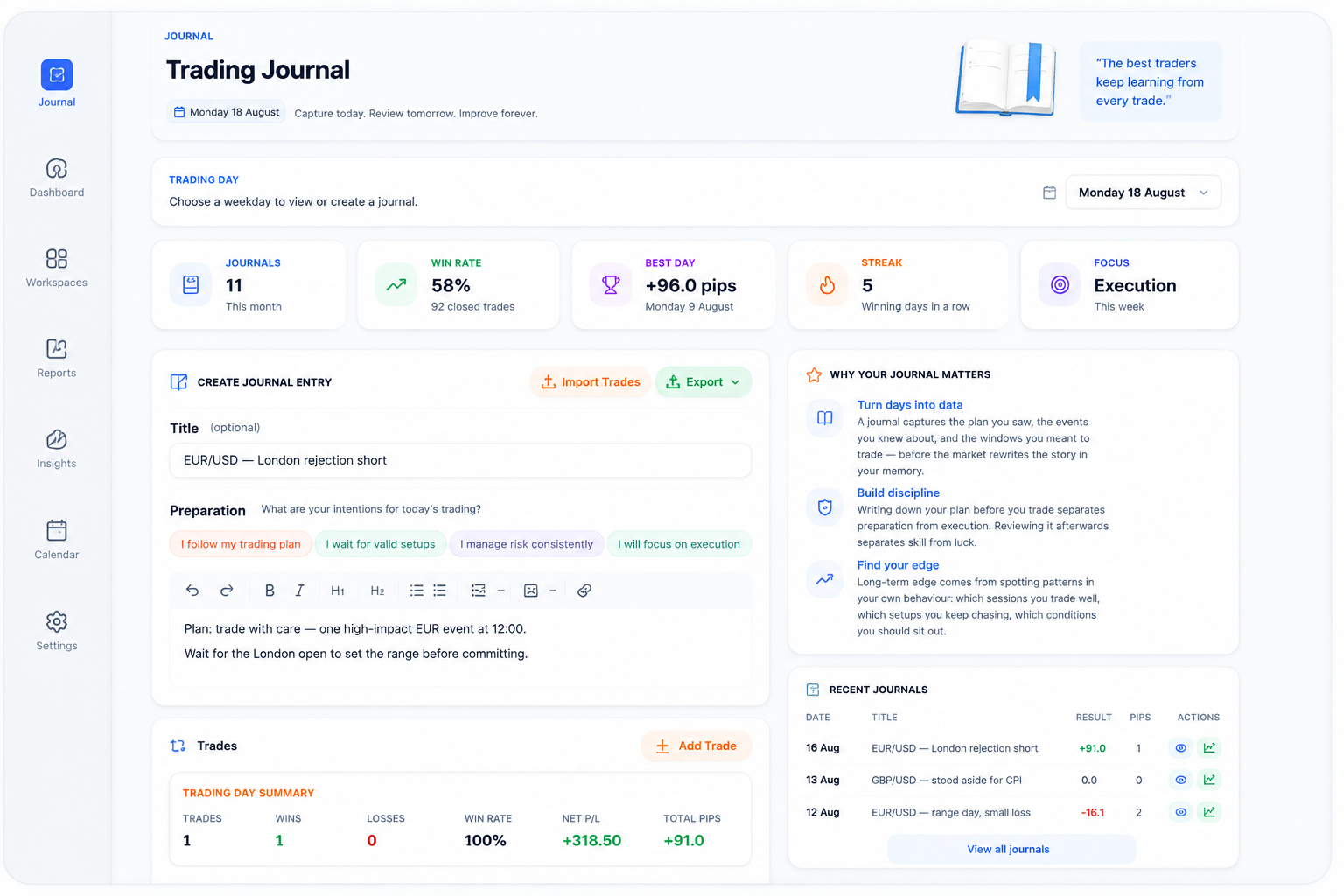
Trading Journal
Record, review and analyse your trades to identify patterns and improve consistency.
Session Summaries
Catch up on what actually happened in each trading session with key takeaways.
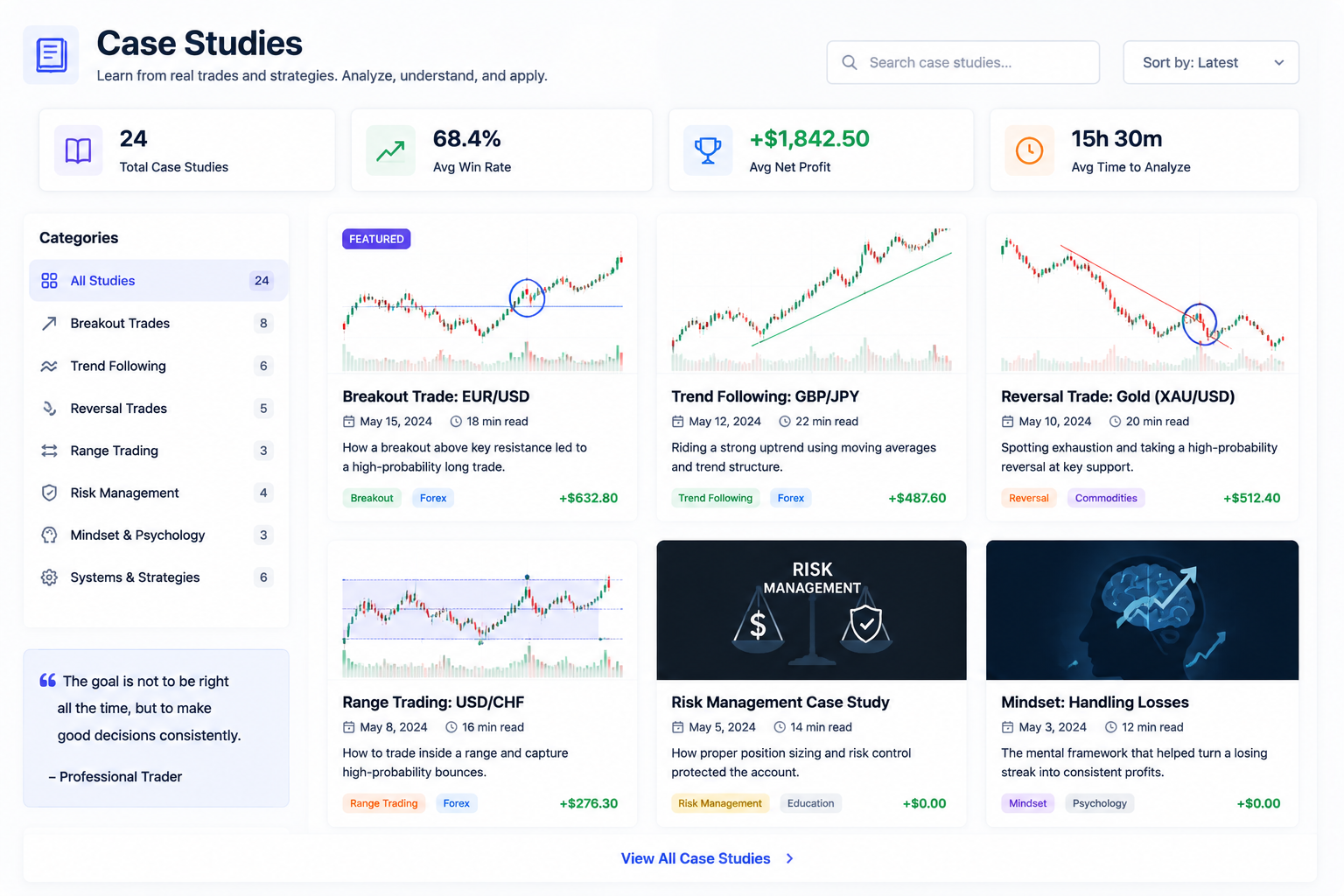
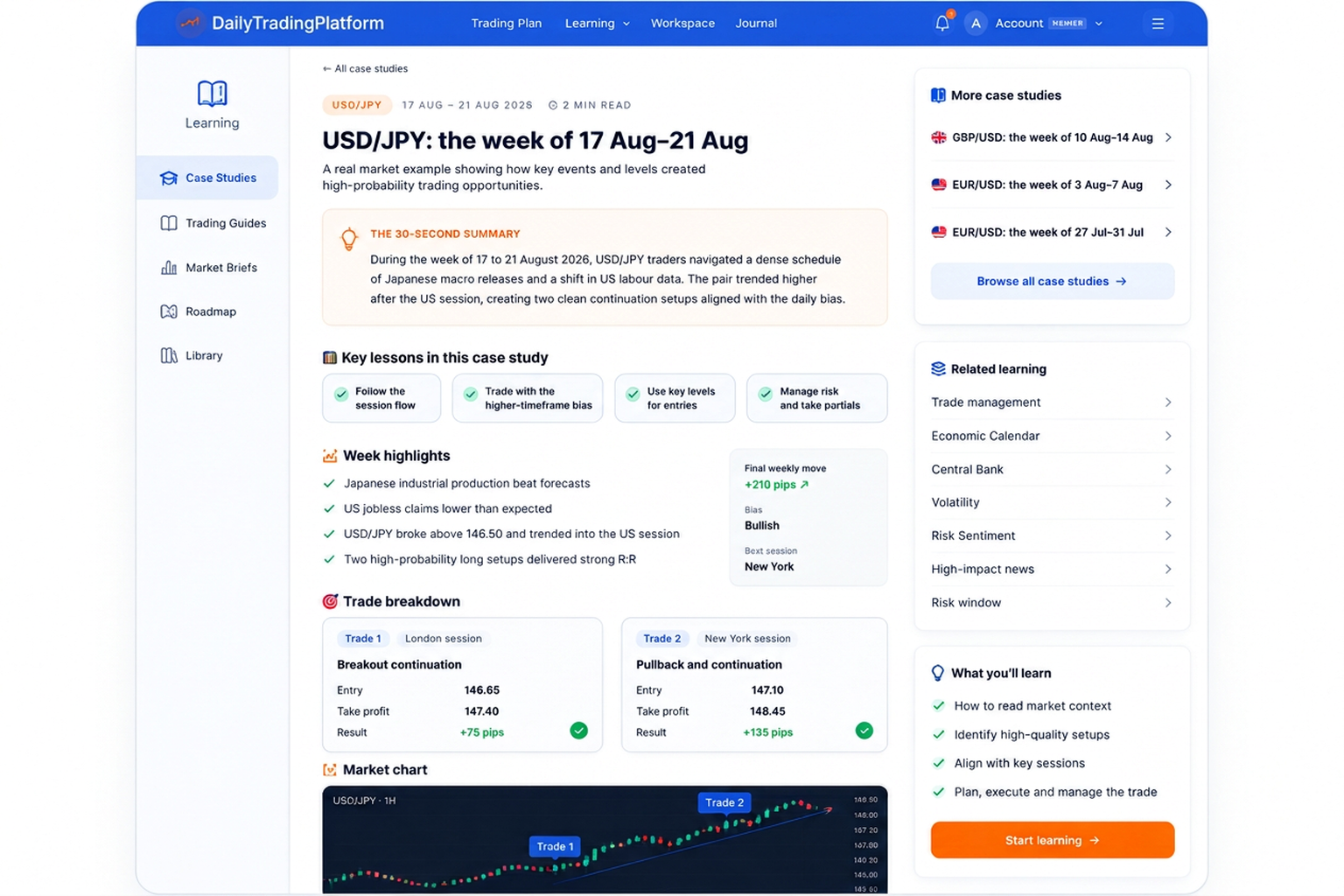
Case Studies
Learn from real market examples and breakdowns of high quality setups.
Trading Plan Visual Tools
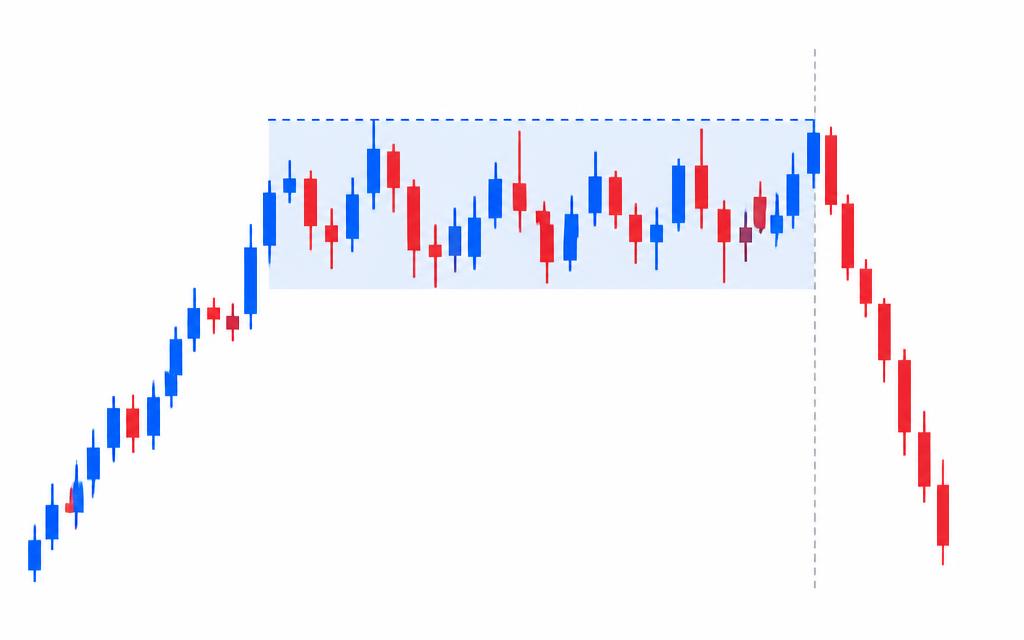
Candlestick and chart pattern guides you can open beside your plan.
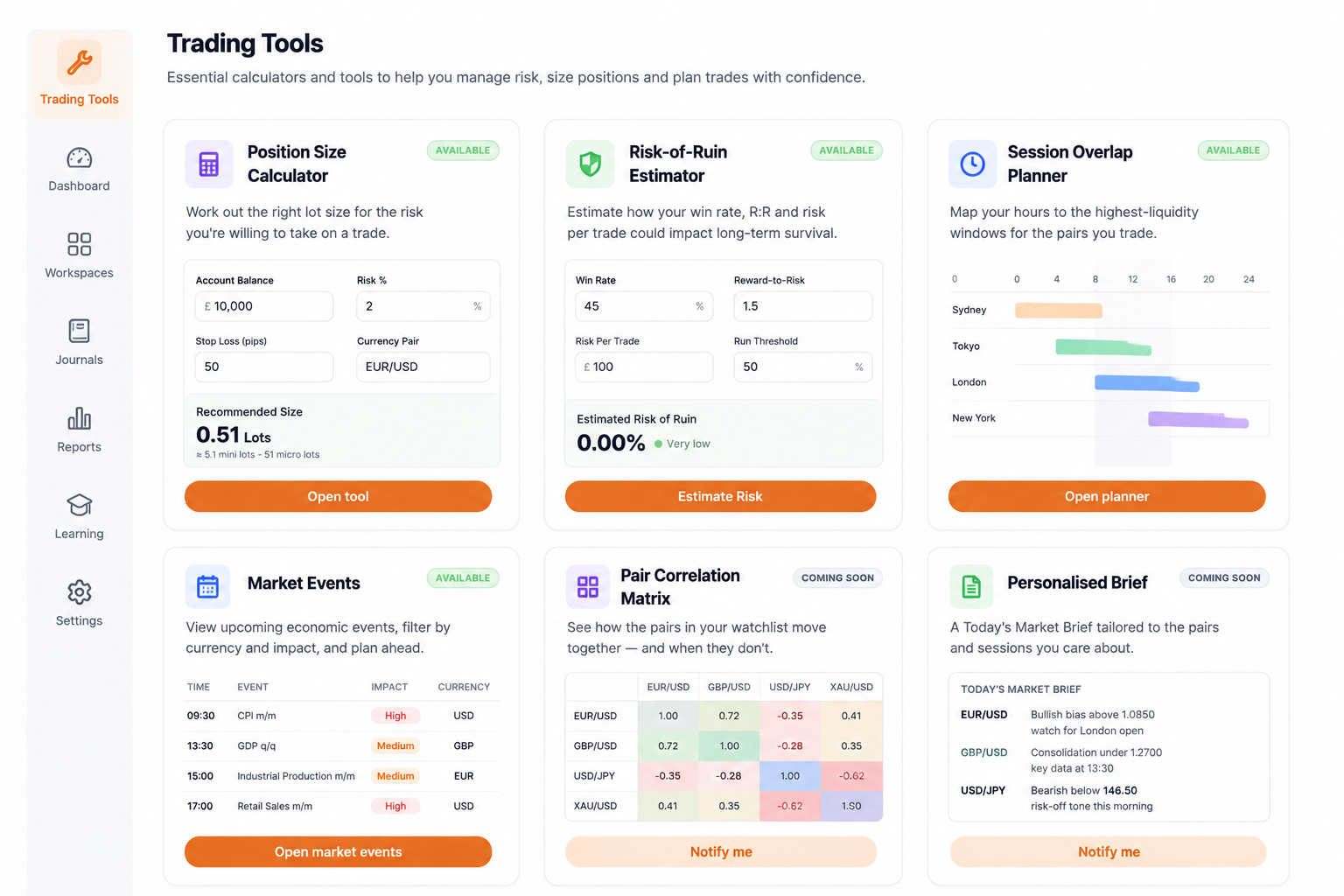
Trading Tools
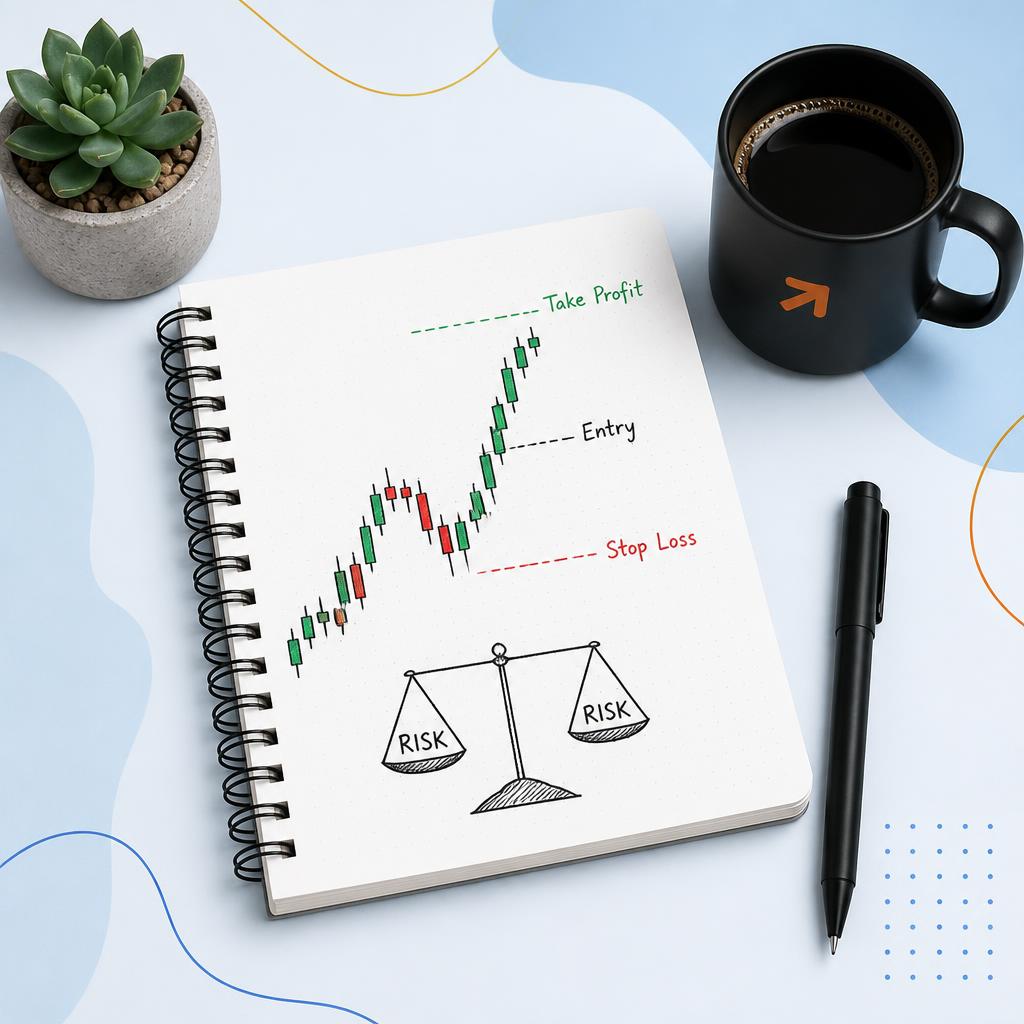
Essential calculators and tools to help with risk management and position sizing.
The Brain — Event Intelligence
Research and analysis of significant economic events and what they could mean for the markets.
Market Intelligence
Market analysis, economic developments and the factors influencing financial markets.
Market Insights
Published daily market commentary and trading preparation from each Trading Plan.
Chart Lessons
Weekly lessons on real market charts explaining structure, decisions and price behaviour.
Economic Indicator Glossary
Explanations of economic releases, why they matter and how they can move markets.


Questions about switching from TradeZella
- Do I have to use all five steps?
- No. Each part works on its own. Many traders start with the free Trading Plan and Economic Calendar, then add the Journal when they are ready.
- Are Session Summaries written about my own trades?
- No. Session Summaries describe how the market moved in each session. Your own trades stay private in your Journal.
- Which markets are covered?
- Every account starts with EUR/USD, and you can add further supported markets in your trading preferences. How many you can follow depends on your membership.
Start your free account
Read today's plan, then record and review your trading day in one place.
Also compared: Edgewonk alternative · TraderSync alternative · Tradervue alternative · TradesViz alternative
TradeZella is a trademark of its respective owner. Daily Trading Platform is not affiliated with, endorsed by or sponsored by TradeZella. The name is used only to identify the product being searched for.