Daily Trading Platform
A free TradesViz alternative for forex traders.
Review each trading day alongside the events that shaped it.
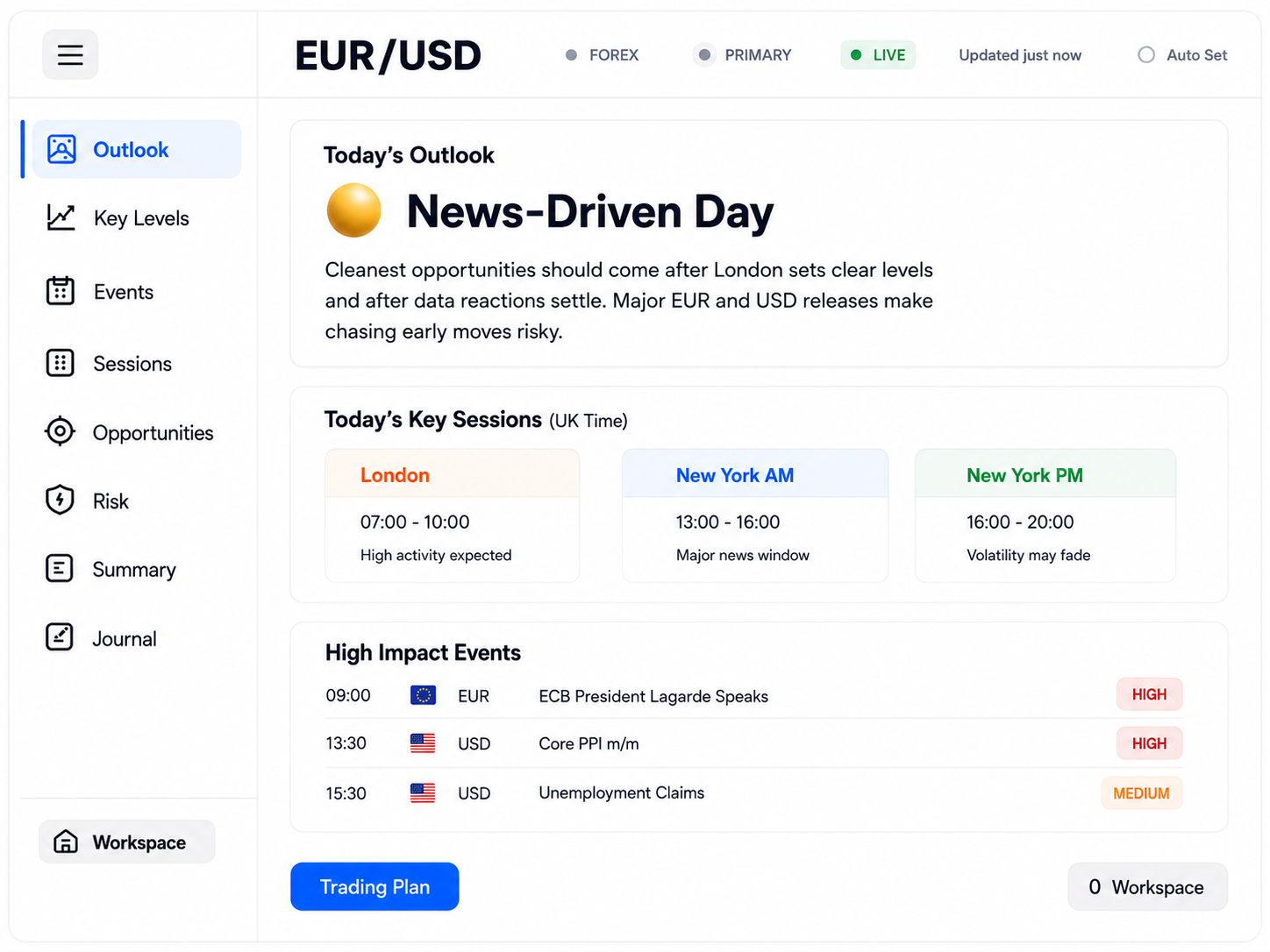
Traders comparing TradesViz alternatives often want to understand why a trading day went the way it did. Daily Trading Platform links each journal day to the same day's Trading Plan — its economic events, Watch and Avoid guidance and trading windows — so you can review your decisions in context.
Review each trading day alongside its events
From any journal day, Back to Plan opens the Trading Plan for that same date — never a different day. You see which events were scheduled, how they were classified and when the main trading windows were.
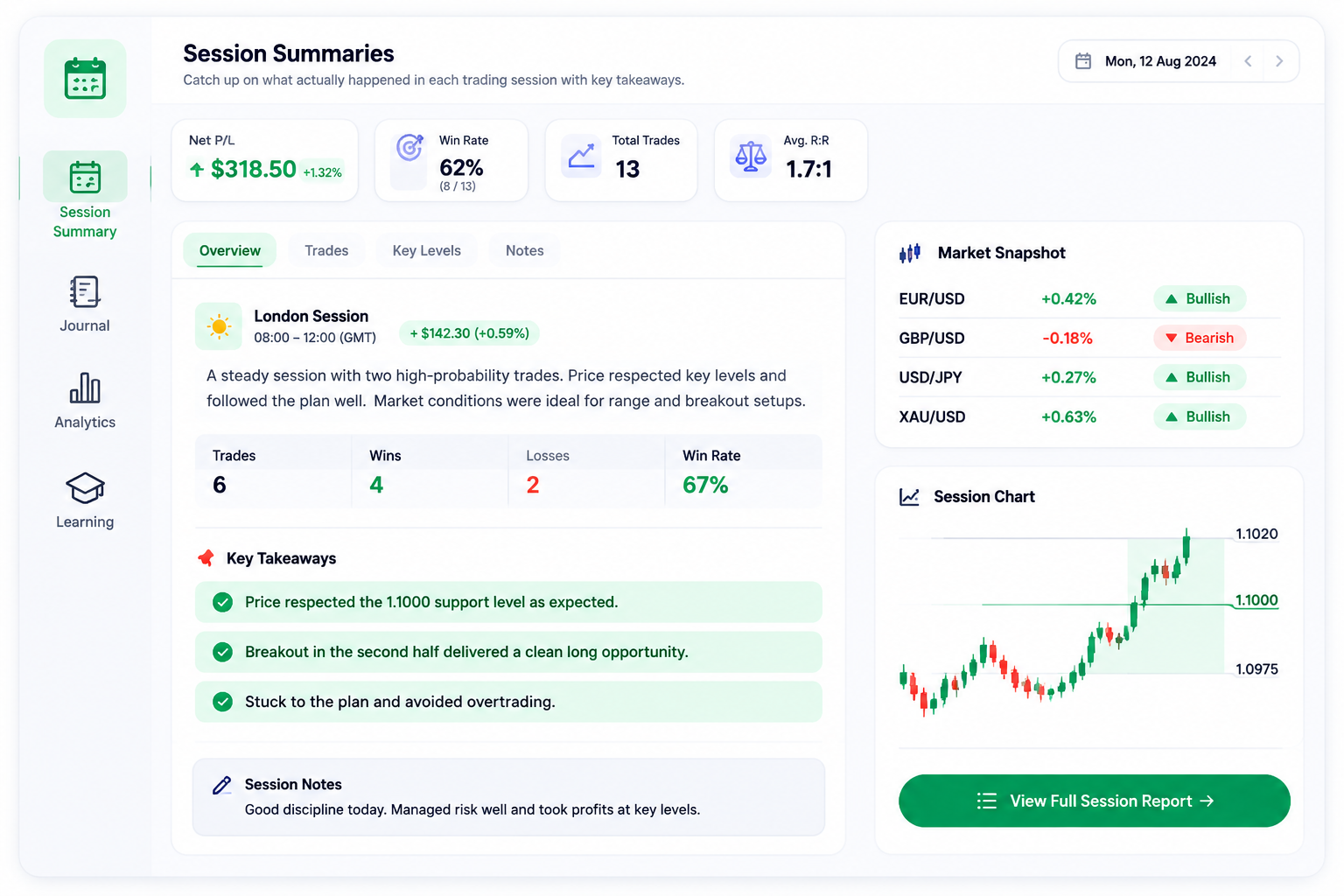
Session Summaries describe how the market actually behaved in the Asian, London and New York sessions, and past Trading Plans stay public in the Market Briefs archive.
For major releases, The Brain publishes research before the event and, once reviewed, an assessment of what happened afterwards.
Trades are not plotted on an event timeline. Your entry and exit times are recorded, so you compare them with the event times in the plan yourself.
Reviewing a day in context
- 01Open the day
Choose the journal day you want to review.
- 02Back to Plan
Open that date's plan to see its events and trading windows.
- 03Compare times
Check your entry and exit times against the scheduled releases.
- 04Write the lesson
Read the Session Summary, then note what you would do differently.
A good fit if…
- Your results often depend on news and event timing.
- You want to see whether you traded into an event you planned to avoid.
- You prefer reviewing context to building charts of statistics.
- You want plain-English explanations of economic releases.
Before you switch
- There is no live broker connection: trades are entered by hand or imported from broker reports and screenshots, then checked before saving.
- Each trade has one optional setup name rather than multiple tags.
- A journal day links to the same date's Trading Plan, but trades are not plotted on an event timeline.
- Daily Trading Platform is educational decision support, not a signal service or financial advice.
Worked example
Reviewing a news-driven day
Suppose you are reviewing a day when you traded EUR/USD around a US inflation release. From that journal day, Back to Plan opens the Trading Plan for the same date. You check how the release was classified, Watch or Avoid, and when the plan's trading windows were. Next you compare the entry and exit times recorded on your trades with the release time in the plan, looking for an entry made shortly before a release marked Avoid. You then read that session's Session Summary to see how the market behaved and, if The Brain covered the release, its research. Finally you note in your review whether the timing was a deliberate decision or an oversight. Reviewing past journal days requires Member access; Guests review the current trading day.
An illustration of the workflow, not a real trade, result or recommendation.
The daily routine behind the platform
- Step 1
Prepare
Understand today's market and events before the session.
- Step 2
Plan
Decide where and when you will trade, and what you will avoid.
- Step 3
Trade
Execute with your rules and risk limits in view.
- Step 4
Review
Record what happened and compare it with your plan.
- Step 5
Improve
Keep the lessons that shape your next session.
Features for this approach
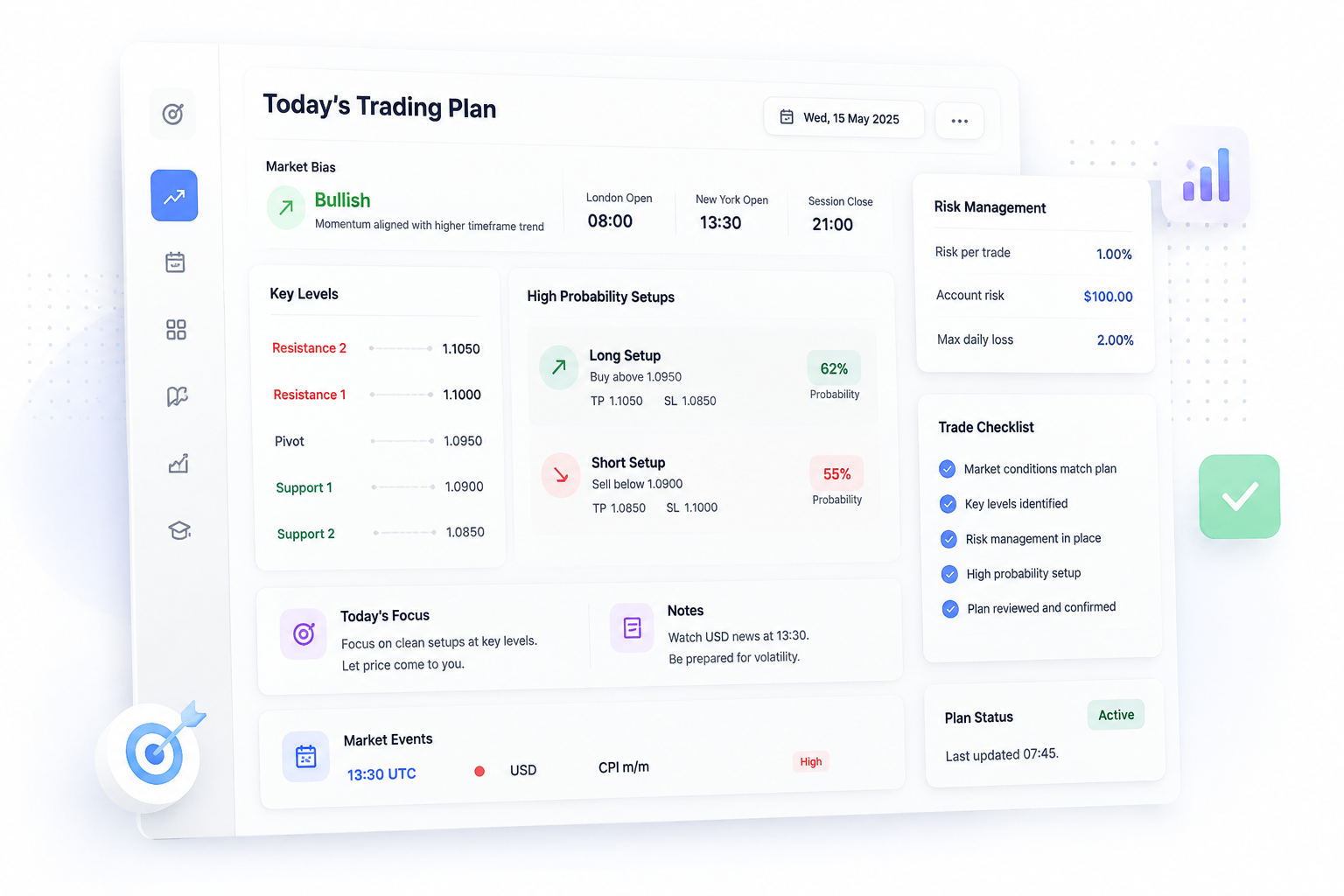
Today's Trading Plan
Your personalised plan for today's session with key levels, bias and high probability setups.
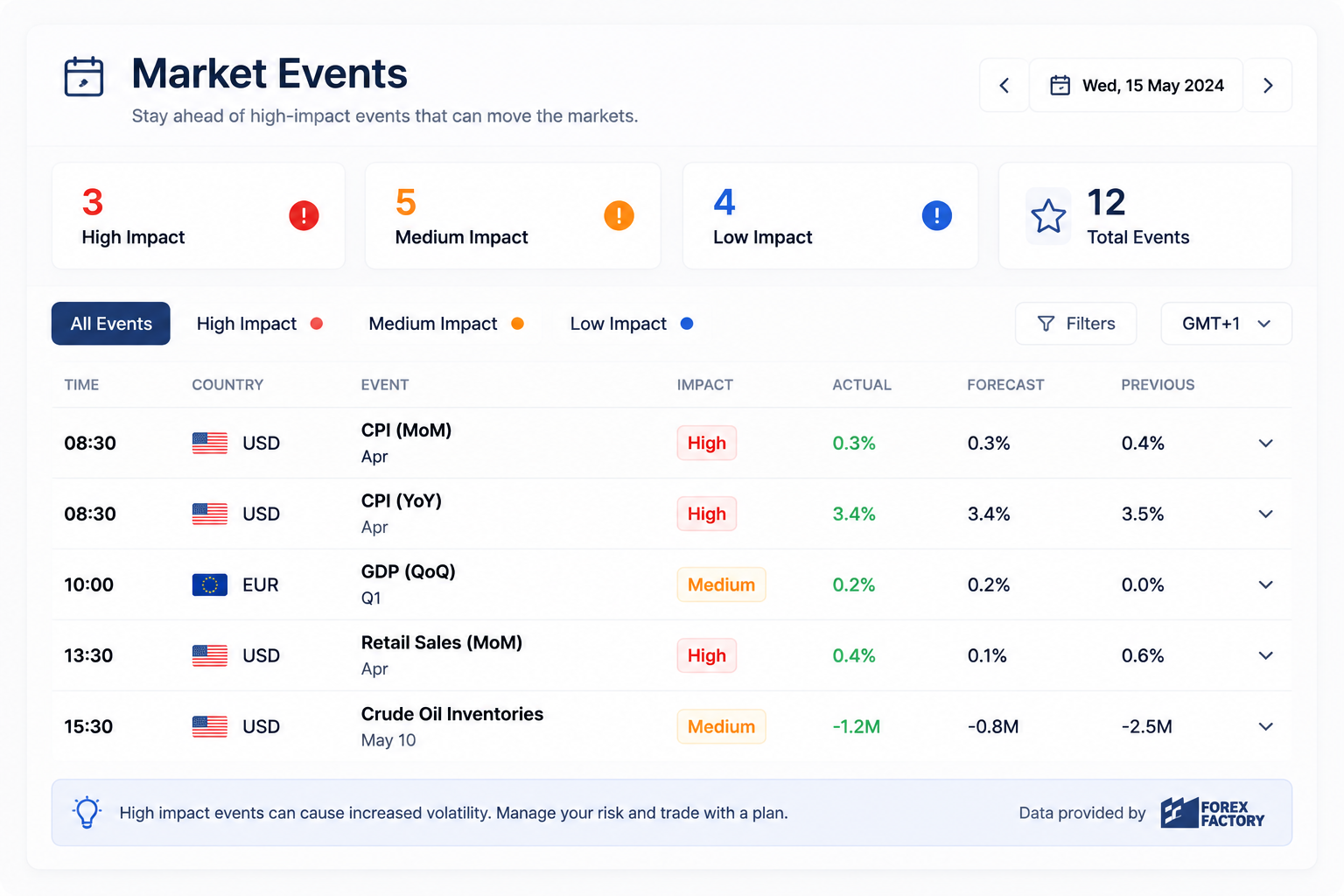
Market Events
See high-impact news and events that could move the markets.
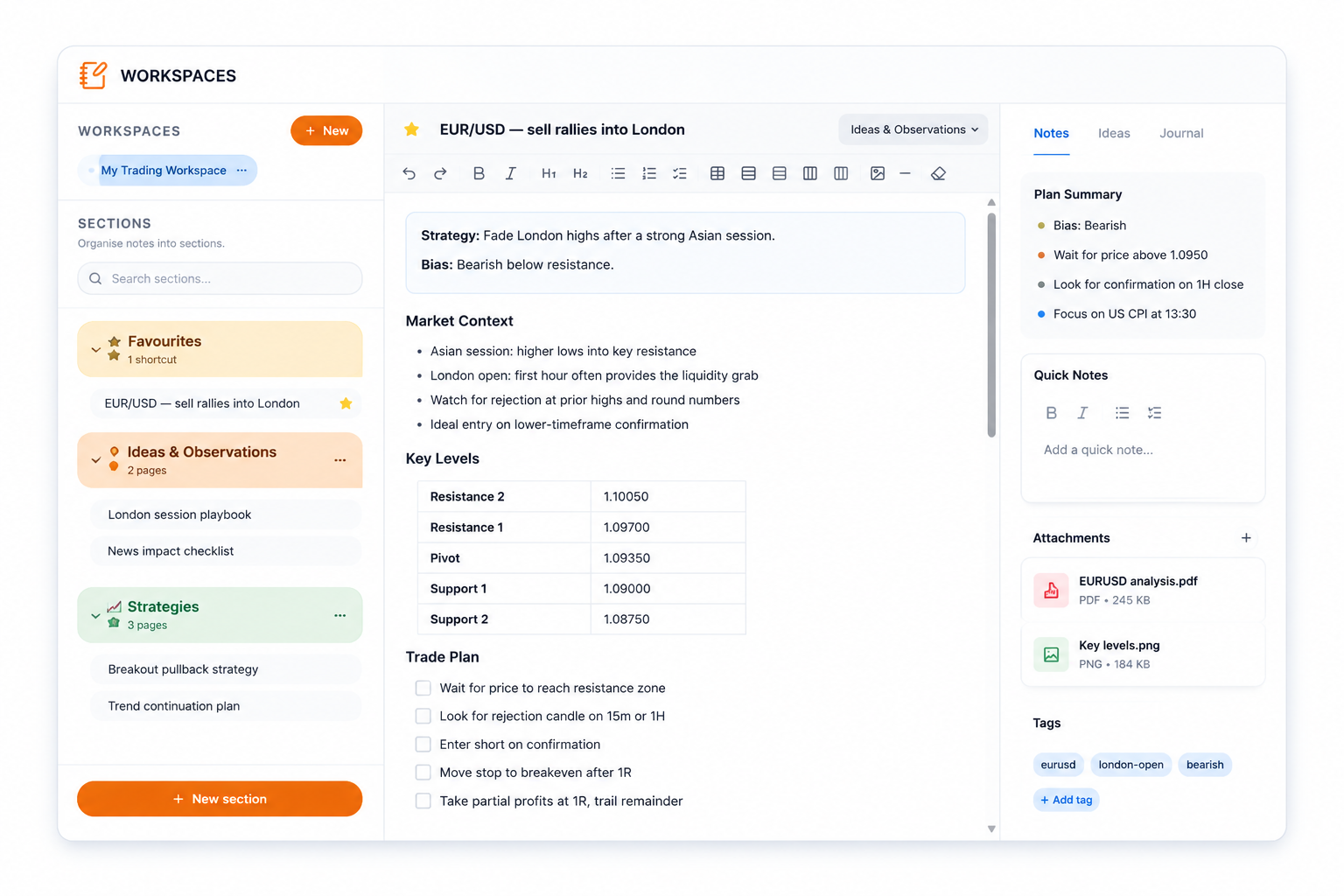
Trading Workspace
Plan and organise your trade ideas with charts, notes and key levels in one place.
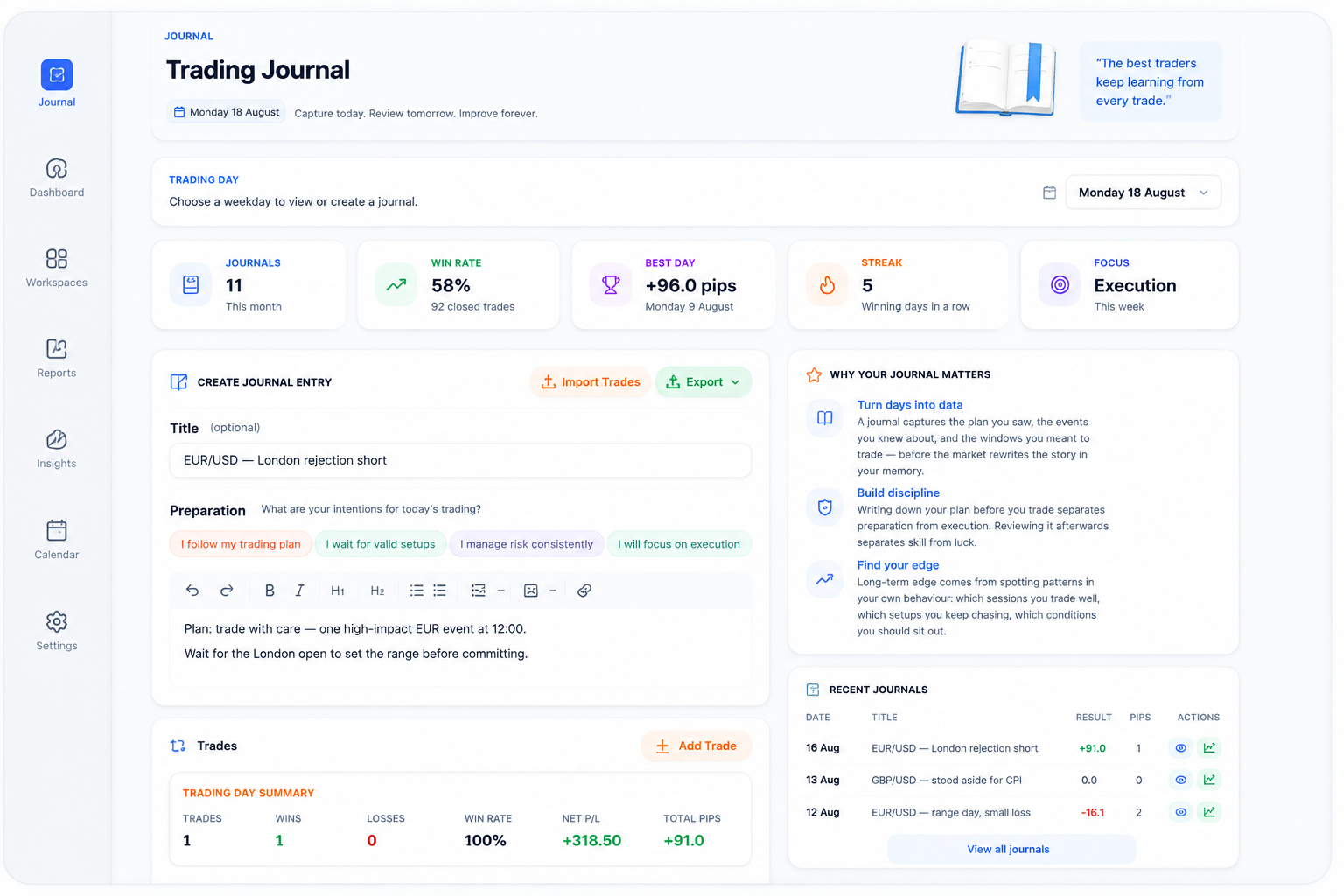
Trading Journal
Record, review and analyse your trades to identify patterns and improve consistency.
Session Summaries
Catch up on what actually happened in each trading session with key takeaways.
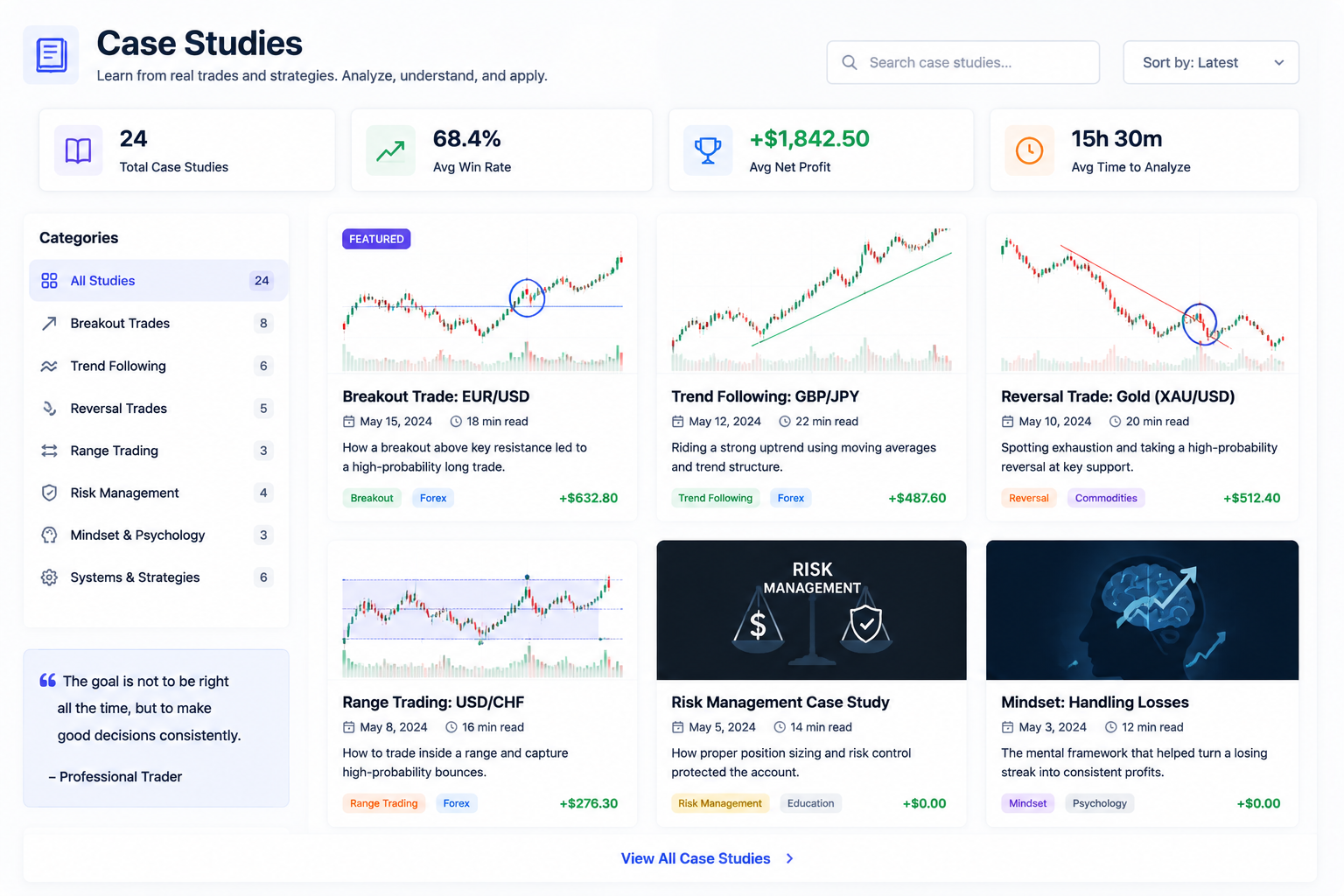
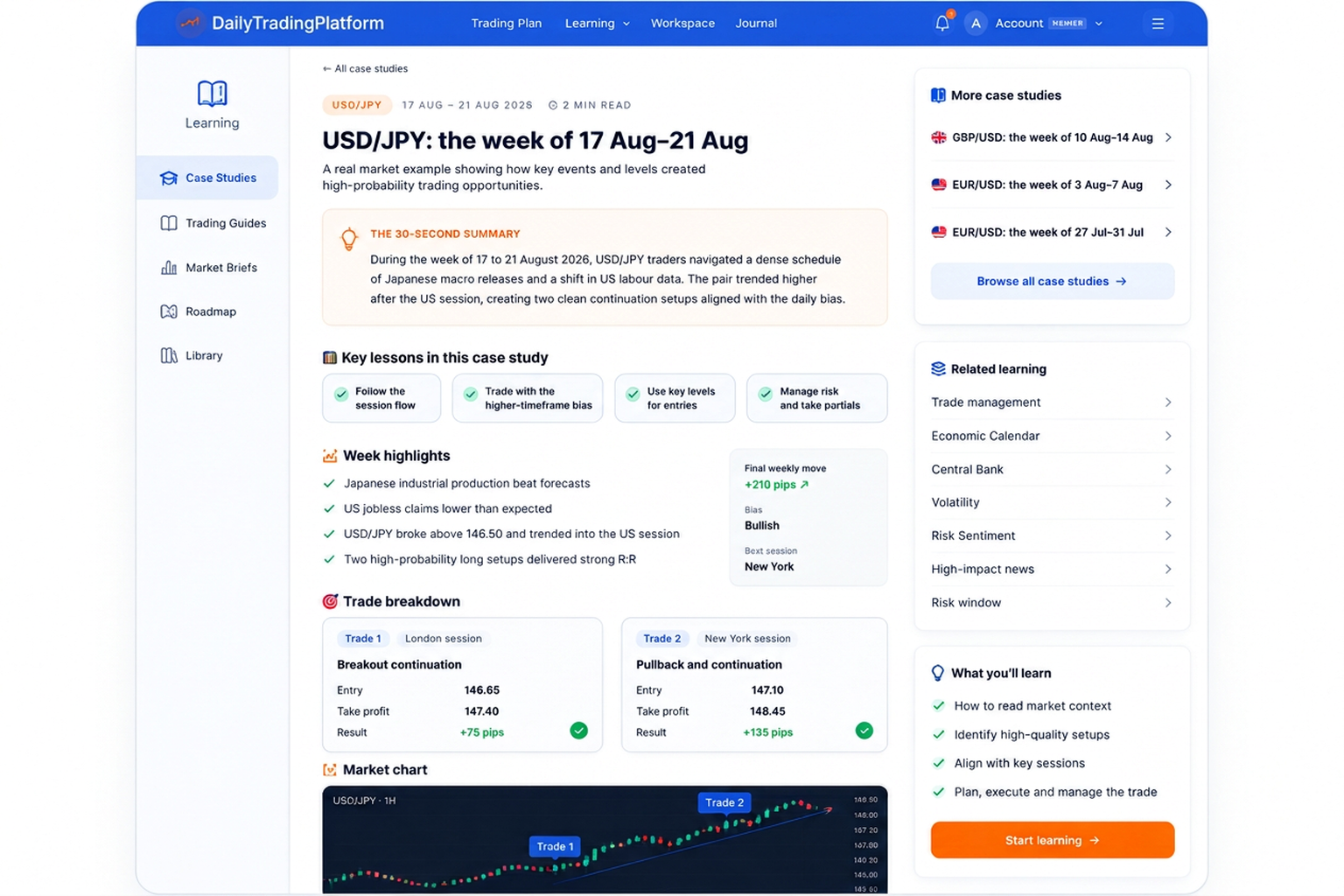
Case Studies
Learn from real market examples and breakdowns of high quality setups.
Trading Plan Visual Tools
Candlestick and chart pattern guides you can open beside your plan.
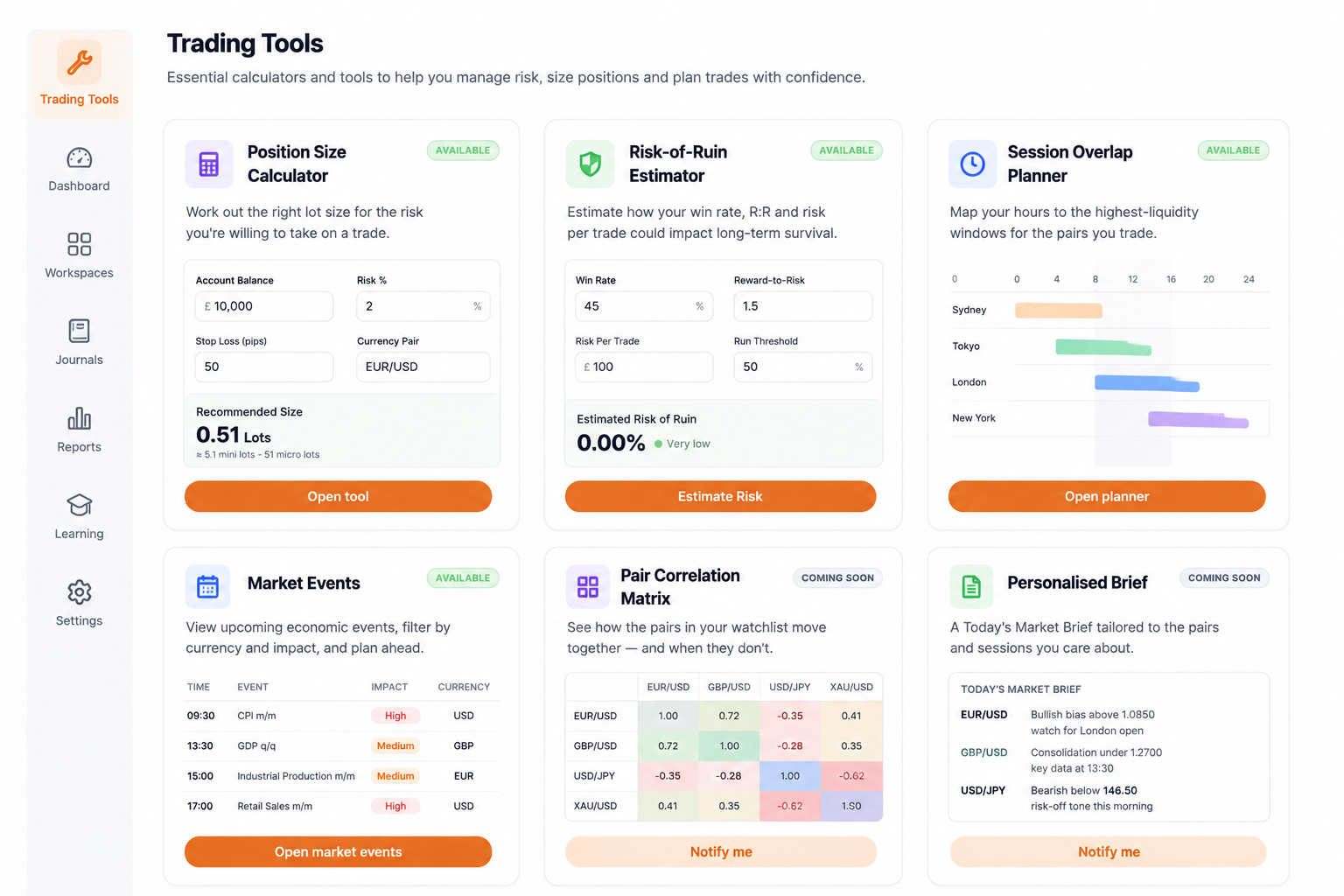
Trading Tools
Essential calculators and tools to help with risk management and position sizing.
The Brain — Event Intelligence
Research and analysis of significant economic events and what they could mean for the markets.
Market Intelligence
Market analysis, economic developments and the factors influencing financial markets.
Market Insights
Published daily market commentary and trading preparation from each Trading Plan.
Chart Lessons
Weekly lessons on real market charts explaining structure, decisions and price behaviour.
Economic Indicator Glossary
Explanations of economic releases, why they matter and how they can move markets.


Questions about switching from TradesViz
- Does it chart my trades against economic events automatically?
- No. A journal day and the Trading Plan for the same date are linked, but trades are not plotted on an event timeline. Entry and exit times are recorded so you can compare them with the scheduled events.
- Can I review past days?
- Past Trading Plans and Session Summaries are public. Reviewing past journal days needs Member access; Guests work on the current trading day.
- Where do the event explanations come from?
- Calendar events link to explanations in the Economic Indicator Glossary, which describes what each release measures and why it can move the market.
Start your free account
Read today's plan, then record and review your trading day in one place.
Also compared: Edgewonk alternative · TradeZella alternative · TraderSync alternative · Tradervue alternative
TradesViz is a trademark of its respective owner. Daily Trading Platform is not affiliated with, endorsed by or sponsored by TradesViz. The name is used only to identify the product being searched for.